

The 12 Website Checks Every Tour Operator Should Run Before Peak Season
You don't need complex marketing tools to spot why tour pages aren't ranking. Here are the exact 12 checks that move the needle for bookings.
In this articleJump to section
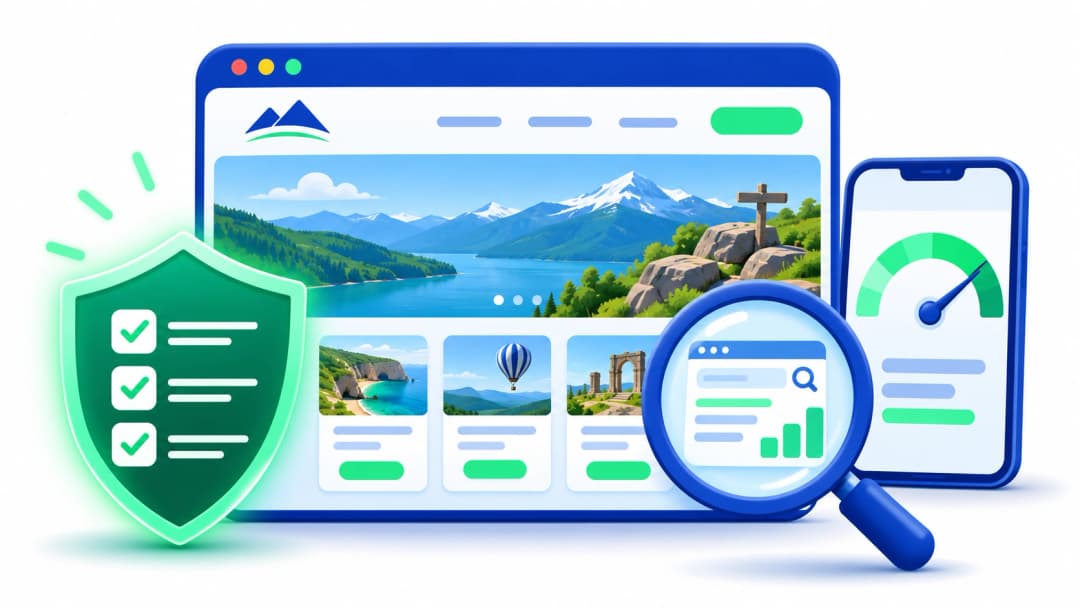
Start with what stops a guest from booking on their phone
More than 70% of last-minute tour searches happen on mobile phones while travellers are already at their destination. If your tour page takes four seconds to load or hides the 'Book Now' button below a wall of text, traffic won't convert.
Fixing mobile speed, clear page titles, and direct booking links should always come before writing new blog posts.
Free Operator Check
See how your own tour website scores in 30 seconds.
Clear titles, photo descriptions, and local trust signals
Search engines can't guess what is inside your tour photos unless you add plain-English photo descriptions. Likewise, every tour page needs one clear main heading that includes both the activity and the location.
- Use one main H1 heading per tour page (e.g. 'Sunset Kayak Tour in Byron Bay').
- Add descriptive alt text to every tour gallery image.
- Verify your SSL padlock (HTTPS) and remove broken links to sold-out seasonal tours.
Written by
Liam O'Connor · Product & Connectivity LeadWorks with booking engines, WordPress sites, and connectivity partners so operators never lose bookings to broken links, missing GST rules, or slow mobile checkouts.
More articles for tour operators



Turn more Google searches into direct bookings.
Start with a free SEO check or book a 15-minute walkthrough with our team.